
How to Update Your Chrome Extension
Keep your Tailor AI extension up to date with the latest features and improvements. This should happen automatically, but sometimes automatic Chrome updates lag.
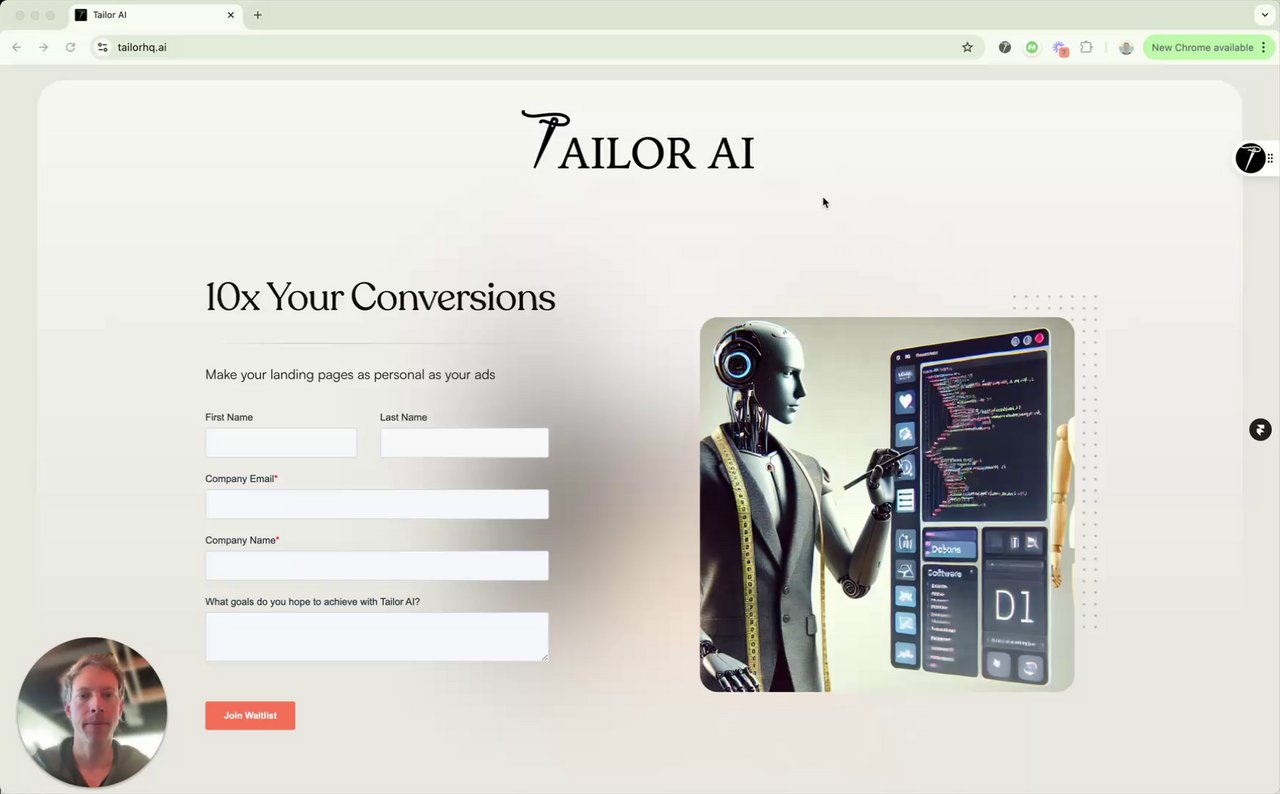
Video Tutorial
Watch this quick video guide to update your extension
Update Steps
Follow these simple steps to update your Chrome extension
1
Open Chrome Extensions
Navigate to Chrome's extension management page
chrome://extensions/2
Enable Developer Mode
Turn on developer mode using the toggle switch in the top right corner
3
Update Extension
Click the "Update" button to refresh and update all your extensions