
Feature
Add what the page is missing
Most testing tools can only change what is already on the page. Describe the banner, popup, or quiz you want and Tailor builds it into your live page, targeted at the segment it was written for.
 Tailor AI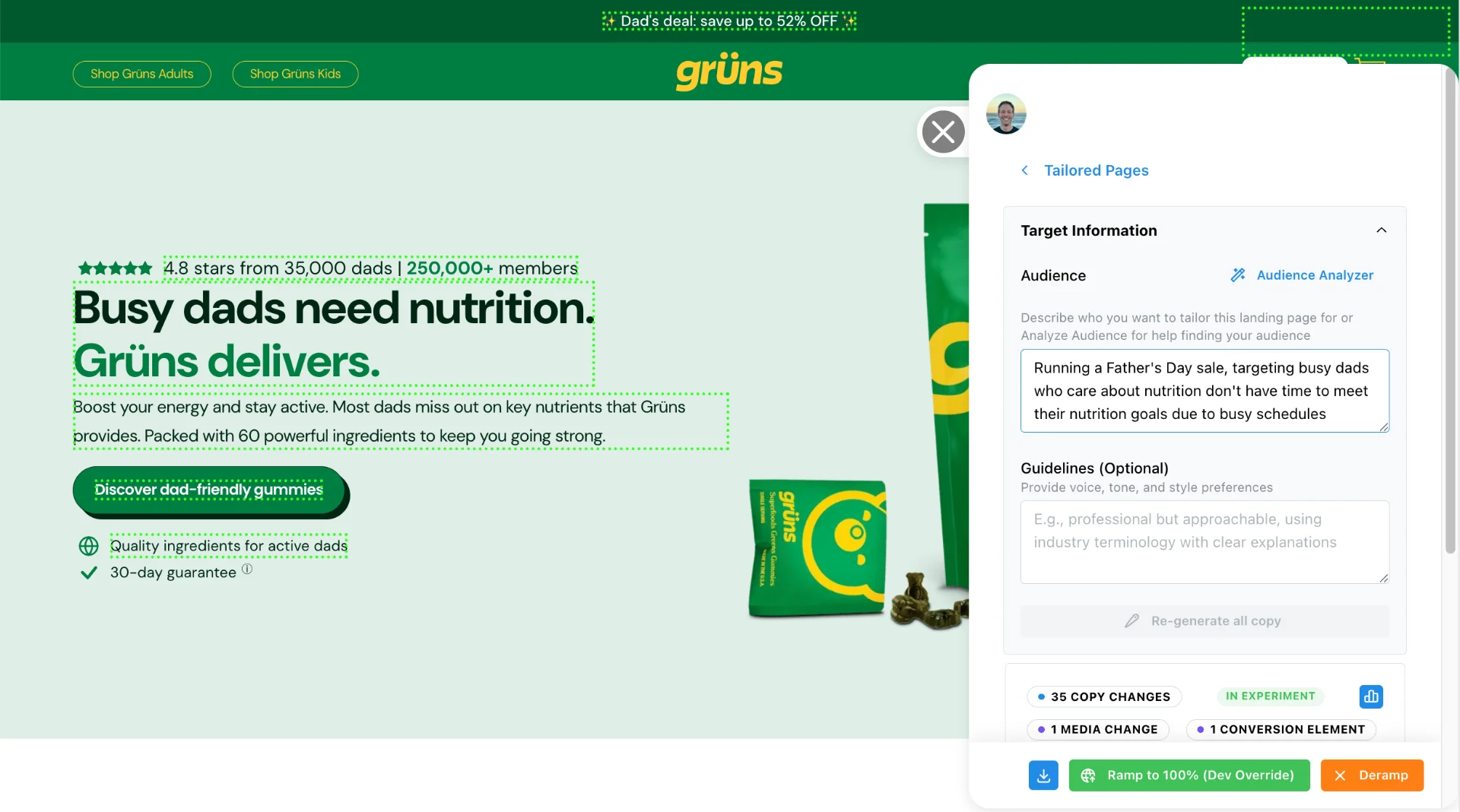
Teams running Tailor






What you can add
- Banners
- Announce a promotion, a deadline, or a shipping threshold. In the page flow, or pinned to the top or bottom of the viewport.
- Popups
- An offer on exit intent, a demo prompt for enterprise traffic, a reminder for a visitor who has been here three times.
- Quizzes
- Route visitors to the right plan or product by asking them a few questions, instead of making them read the comparison table.
- Widgets
- A floating element that stays put while the visitor scrolls.
Built for the page it lands on
Components are written to match the page rather than dropped in from a template library, so a banner on your pricing page does not arrive looking like it came from a different product.
And a component is a page change like any other. It gets the same targeting (campaign, keyword, device, geo, or enriched company), it ships behind the same approval, and it runs as an A/B test against the page without it. You find out whether the popup helped, rather than assuming it did.
What you actually learn
Each test with components gets its own reporting: how many people used it, opened it, clicked its CTA, dismissed it, and for a quiz, how many started and finished.
Counts are people rather than clicks, so somebody who changes their mind is still one person. Two things we deliberately do not measure: how many people saw it, and anything a visitor types. Answers are counted, never recorded.
Consent-aware by default
Anything a component remembers (a dismissal, a frequency cap) runs through Tailor’s own storage rather than writing to the browser directly, so it honours your visitors’ cookie consent. Where a visitor has not consented, the component still works and the cap simply does not persist. Overlays also have to meet a floor: a visible close control, Escape to close, and focus handled properly for keyboard users.
See it on your own page
Describe what you want, approve what Tailor builds, and measure whether it moved anything.
Book a demoShopBack's marketing team specified a new homepage hero, Tailor built it in the browser, and CTA clicks came back 13% up in four days.
Read the ShopBack case study