
Agentic growth for your website
Put your next growth idea
on your website.
Tailor connects campaign data, competitor research, and past test results to changes on your website. Agents recommend what to try and build it for review, from targeted tests to new pages. Your team sets the goals and approves what visitors see.
Start on your existing site
- Add one script tag to the site you already have, directly or through GTM
- Connect Google, Meta, and LinkedIn so campaigns, keywords, and spend come with the traffic
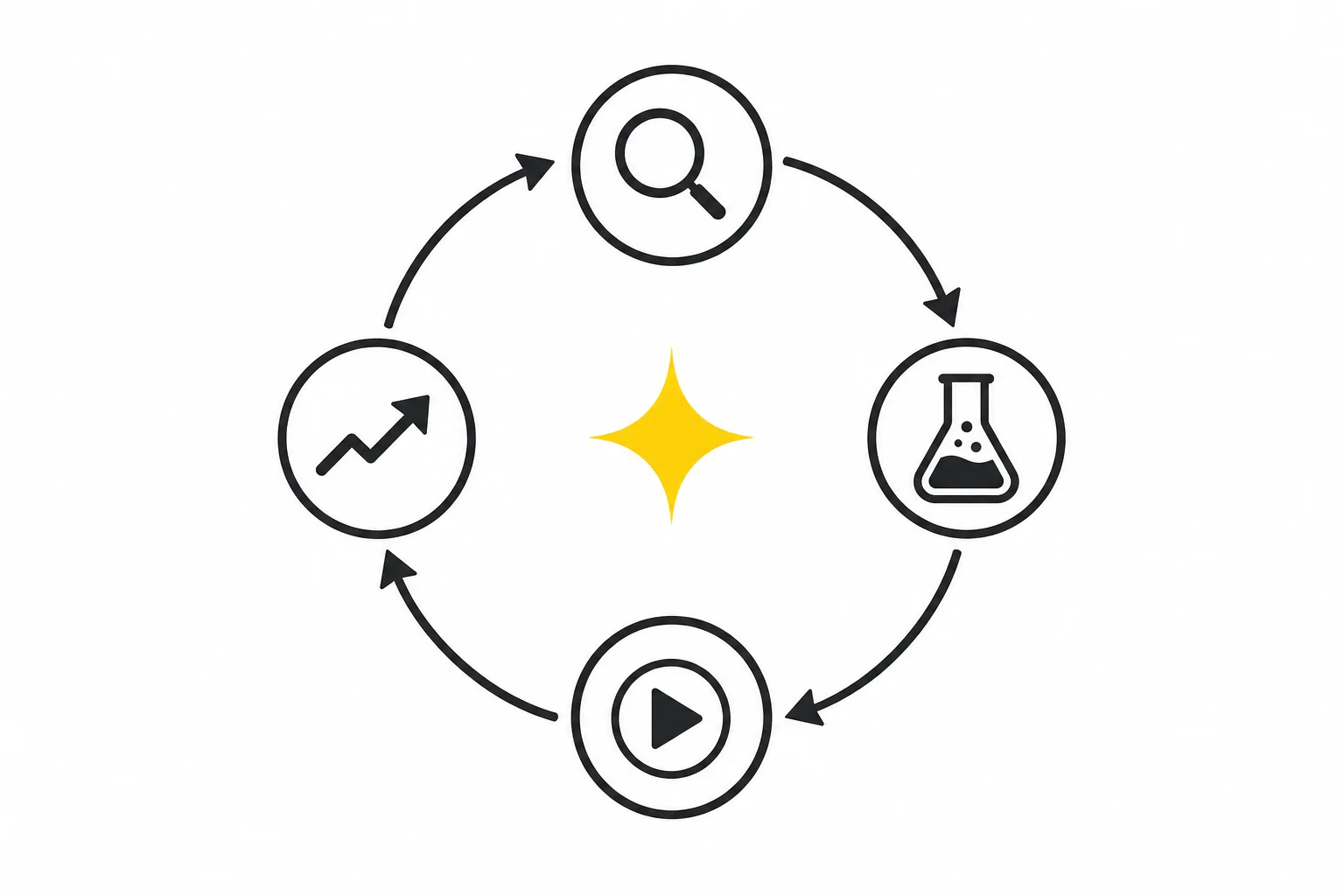
Then, on repeat
- Tailor proposes a ranked queue of tests from your ads, pages, traffic, and competitors
- Each arrives with a hypothesis and already built: the audience, the pages, the exact change, and a preview
- You approve, and it launches on your existing URL with targeting attached
- Tailor uses test results and your feedback to recommend what to try next
Trusted by growth and marketing teams at leading B2C and PLG companies






01
Add the tag, connect your ad accounts
Setup takes one script tag on the site you already have, plus connecting your ad accounts in settings. You can start testing without rebuilding your site or moving platforms. Tailor uses your campaigns, keywords, and spend to recommend where to start. If you prefer, publish through a connected CMS or use Tailor-hosted pages.
- One script tag, added directly or through GTM, on the site you already have
- Connect Google Ads, Meta, and LinkedIn so campaigns, keywords, and spend come with the traffic
- A Chrome extension for editing live pages, no staging environment required
- Company enrichment identifies industry, size, and role behind anonymous visits
- Loads async, and search engines still see your original page
Example
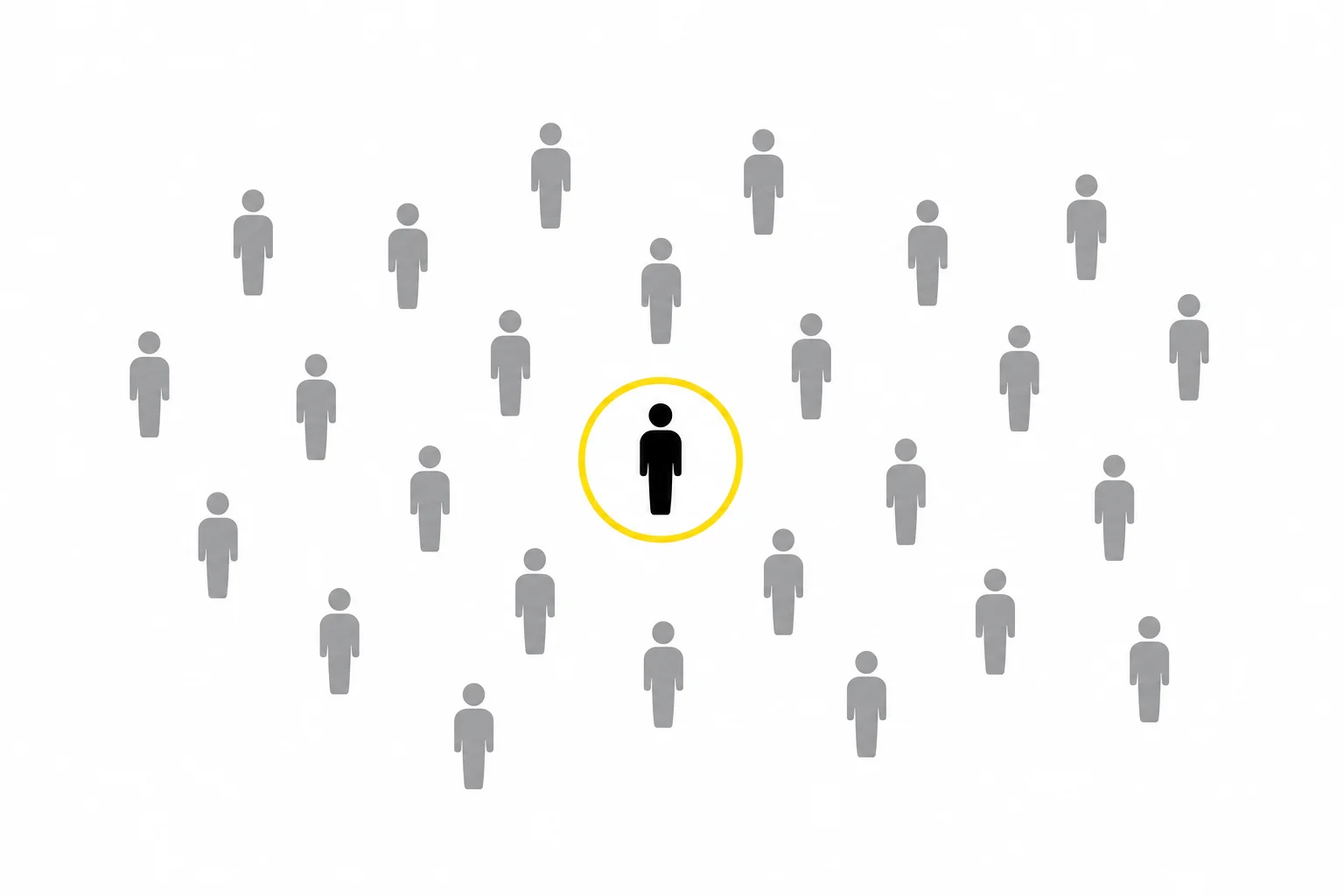
A visitor arrives from a LinkedIn campaign targeting security engineers at large fintechs. Tailor knows the campaign, the keyword context, the device, and the company, before deciding what the page should say.
Traffic totals can look healthy while the accounts you actually want never show up.
02
Get a ranked queue of tests worth running
Tailor ranks test ideas by estimated impact using your campaigns, site performance, visitor intent, competitors, and past results. Each idea explains what to change, who should see it, and why it is worth testing.
- Every test states what it changes, for whom, and why that should move conversion, so you can disagree with the reasoning before you spend traffic on it
- Proposals read your traffic, your pages, your ad accounts, who is visiting, and every test you've already run
- Use heatmaps to see where visitors click and how far they scroll, then investigate where the page loses them
- AI Visibility checks how assistants describe your brand and uses paid-search data to help prioritize questions your site should answer
- Competitor intel feeds in too: when a rival rewrites a hero or moves a price, that becomes a test idea
- A separate Ads Audit reviews a connected Google Ads account for wasted spend, negative-keyword candidates, and ad-to-page mismatch
- Every plan carries a "How Tailor got here" trail listing what it read, source by source
- Dismiss anything and future runs stop queueing it
Example
A group of search keywords sends visitors to a page that does not answer their question. Tailor proposes a page change for that audience and explains which campaign data supports it.
03
The test arrives already built
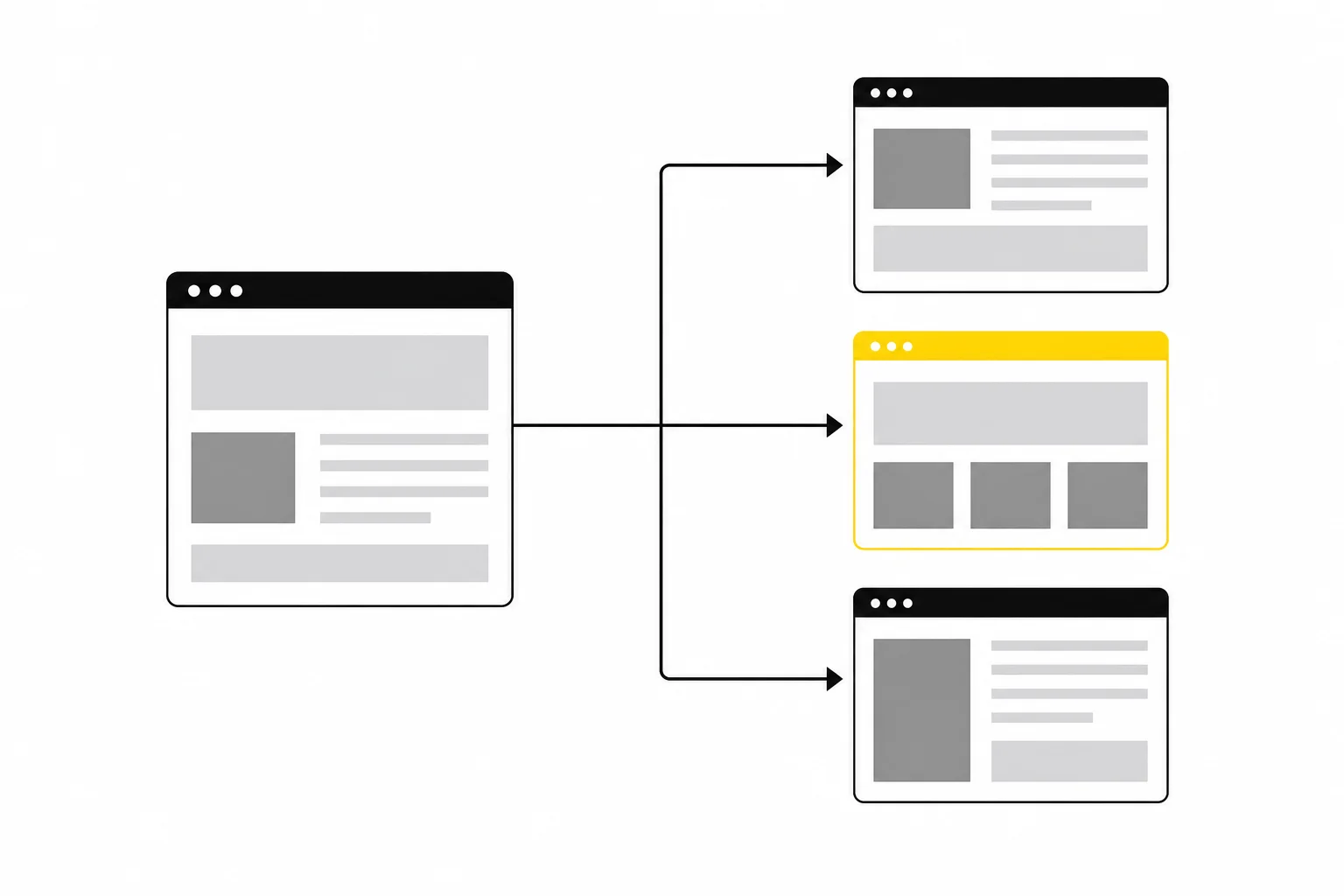
Tailor builds the variant with its audience, target pages, and proposed changes. Compare it with the original page, adjust the copy or design, and approve it when it is ready.
- Copy, images, CTAs, and any page element are all variables it can change
- It can also add what isn't there yet: banners, popups, and quizzes built into the live page
- Targeting is attached when the variant is built, by campaign, keyword, device, geo, or company
- It renders the preview to confirm the change actually applied, and checks new elements for overlap
- When it can't verify something, it says so rather than guessing
- Edit anything it built in the visual editor before you approve
You can ask the agent for revisions or edit the page yourself before launching.
04
Nothing ships until you approve it
Review the preview, audience, and conversion goals before starting a test. Your approval controls what visitors see, whether you are changing an existing page or publishing a new one.
- Publish tailored changes on your existing URLs, or choose a CMS or hosted page for new content
- Run it as an A/B test, as permanent personalization for that segment, or ramp it to everyone
- The default is a 50/50 split against your original page; adjust targeting before launch and the audience size re-measures
- Stop a test when you need to remove its variants from traffic
- Approve one test, or a whole wave at once

05
Every result feeds the next round
Tailor uses completed tests to guide later recommendations. Measure signups, demos, purchases, or other conversion goals you connect, then decide which changes to keep and what to test next.
- Built-in A/B testing compares variants against the original page
- Downstream conversion events (trials, signups, pipeline, revenue) from your CRM or warehouse
- Upstream ad data (spend, impressions, keyword, device) tied back to page performance
- Wins and losses become a standing set of conclusions about your account, so it stops re-proposing what you already disproved
- Alerts when a winner is ready to call, a test is starved, or traffic shifts before CAC climbs
- Ask questions in plain language, in the app, in Slack, or from your own agents over MCP
Example
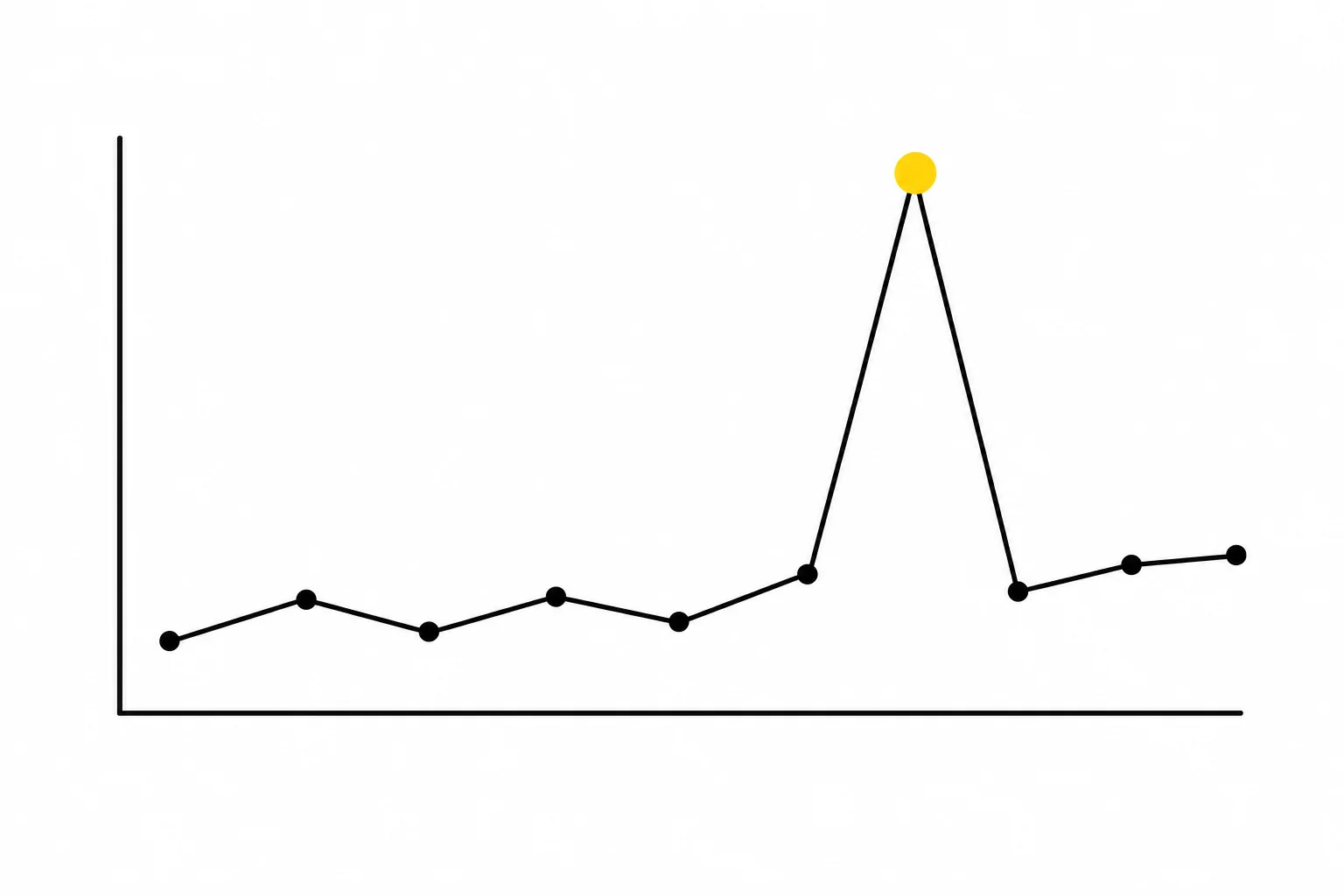
A headline that won for one keyword theme becomes the starting point for the next three, while a losing pattern stops being proposed at all.
Use cases
How teams use Tailor
Match the page to the click
Match landing page messaging to the keyword, campaign, or ad group that brought the visitor in.
See which companies are actually visiting
Show more relevant messaging to visitors from target accounts, enterprise companies, or key industries.
Localize without rebuilding pages
Tailor copy, CTAs, and page experiences for different regions and markets.
Run more tests without waiting on engineering
Launch tests quickly, measure lift, and scale winners without waiting on a sprint.
Catch performance issues before they spread
Spot shifts in traffic quality and landing page performance before they quietly hurt results.
Find questions your site should answer
Check where AI assistants mention your brand, compare those gaps with paid-search demand, and create a brief for a useful new page.
Choose how changes reach your site
Start with the site you have. Use a connected CMS or hosted pages when the work calls for new content.
Tailor your existing pages
Use the Tailor tag to test and personalize copy, images, CTAs, and interactive elements on your current URLs. See how publishing works.
Update pages in your CMS
Review changes and write approved content back to your connected CMS. Contentful is the first supported CMS. Talk to us about setup for your site.
Publish hosted pages
Create a separate page on your domain, with changes included in the HTML. Use it for a campaign or a question buyers are searching for. Explore Hosted Pages.
Build and manage a hosted site
Have the agent work across a whole site or section, including shared components and new pages. Review a preview before publishing. Limited access. Check Hosted Sites availability.
Work where it suits you
Plan, review, and measure in the web app. Use the Chrome extension to edit visually alongside the agent on your page. Or connect your own AI assistant through MCP.
Review plans and ask about availability for your setup.
From teams using it
“Setting up tests with Tailor AI was incredibly straightforward. We went from idea to live test in minutes, not weeks. The ease of use meant we could experiment more and learn faster than ever before.”
Taras Mykhalchuk, Senior Marketing Manager, Readdle (PDF Expert)
Read how Warp uses Tailor, then explore results from Readdle (PDF Expert) and NOVOS in the case studies.
See these features on your site
Preview how Tailor could adapt your pages using your ads, traffic signals, and landing pages.