
Feature
Dynamic CTAs
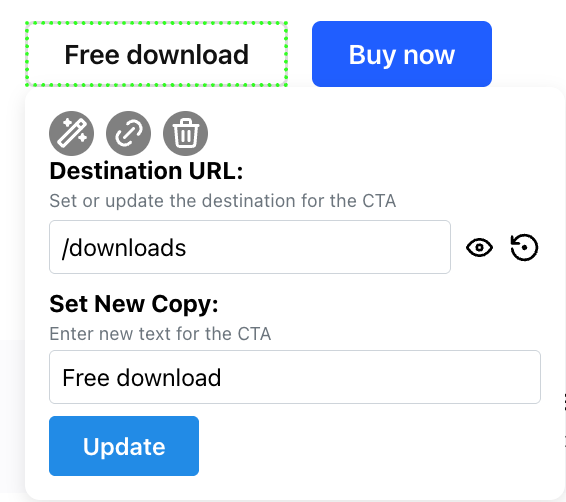
Match the CTA to the ad that brought the visitor, such as "Start free trial" for self-serve traffic and "Book a demo" for enterprise accounts.
 Tailor AI
Teams running Tailor






What you can change
- Match the CTA to the ad
- The CTA continues what the ad promised. A visitor from a free-trial ad sees "Start free trial", a visitor from an enterprise campaign sees "Book a demo".
- Segment by who's visiting
- Show different CTAs by source, keyword, device, geo, or enriched company. Match the action to who's actually on the page.
- Test each one
- Every CTA variant runs as an experiment per segment, measured on trials and revenue rather than clicks.
The workflow
Pick a segment, write the CTA for it, publish. The variant goes live on your existing page and starts reporting against your baseline.
ShopBack's marketing team specified a new homepage hero, Tailor built it in the browser, and CTA clicks came back 13% up in four days.
Read the ShopBack case study