
Page Translation
Translate a whole page into another language, serve it to the right visitors, and keep it in sync as your source page changes.
Overview
Tailor translates your page in place: same URL, same layout, same images, with the copy swapped for the target language. There's no duplicate page to build or maintain, and no engineering work. Translation runs fast, with a live progress checklist while it works.
The translated page is a normal Tailor variant, so everything else in the product applies: targeting, preview, QA, and experiments all work the same way.
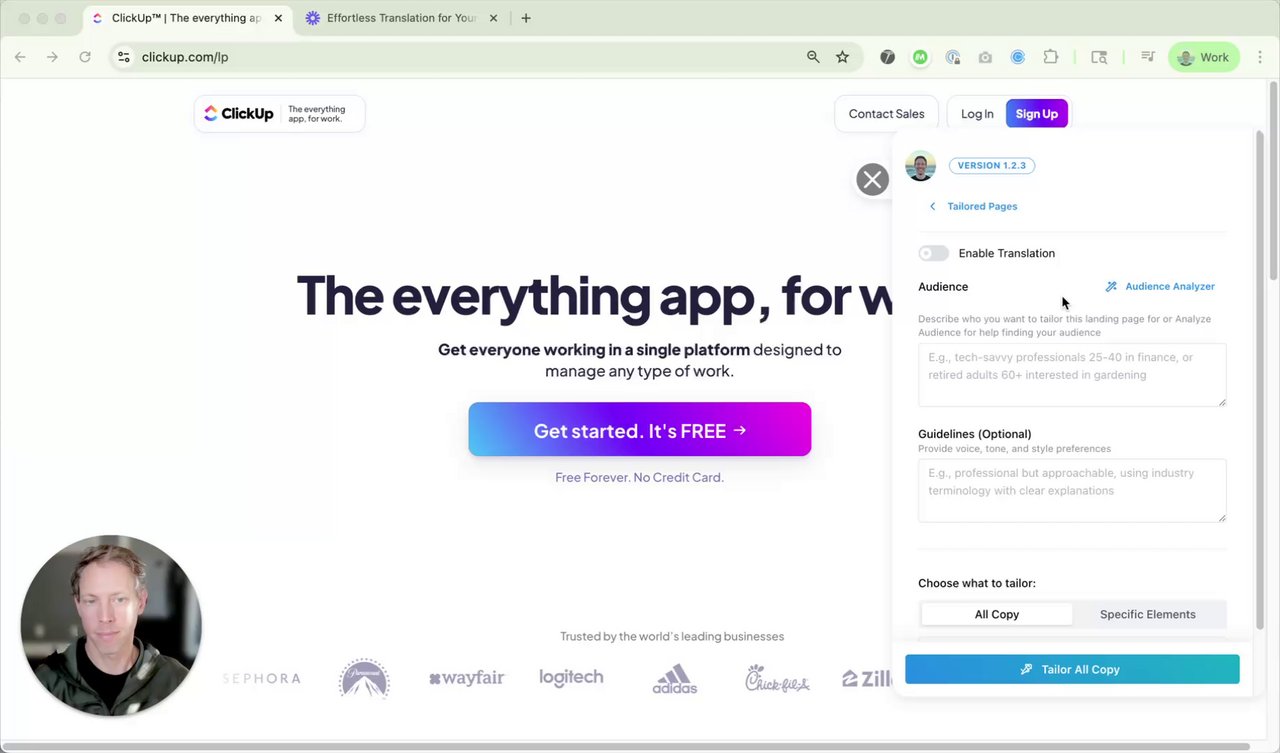
A short walkthrough of translating a page in the Tailor extension.
Translate a Page
Start from the page
Open the page in the Tailor extension and use the "Translate page" quick start, or ask Tailor Agent to translate it. Pick the target language and translation starts immediately.
Review the result
Every text element is translated in place, including buttons and short CTAs. Edit anything by hand afterwards; your edits stick.
Mark the language
In the Editor tab, the variant is marked as a translation variant with its target language. That's what enables Autopilot and language-based serving.
Who Sees the Translated Page
Serve the translation by browser language, by geography, or by campaign (for example, ads running in a specific market). Language and geo targeting are built in; see the Targeting Guide for the full options.
You can also A/B test a translated page against the original for a market segment to measure whether localization actually lifts conversion there.
Autopilot Sync
A translated page goes stale the moment your team edits the source page. Autopilot watches for that: when the source changes, Tailor re-locates the affected sections, re-translates only the changed copy, and proposes the update.
- 1Opt-in per page. Autopilot is off by default on new translation variants. Turn it on from the Autopilot panel on the variant, where you can also trigger "Re-sync this page now."
- 2Apply mode. With Autopilot on, re-syncs apply directly to the live translated page, and every change is revertible from the variant's timeline.
- 3Visible everywhere. Variants with Autopilot on carry an Autopilot tag in the experiments list, so you always know which pages self-update.
Autopilot is rolling out gradually. If you don't see it on your account yet, contact support [at] tailorhq [dot] ai and we'll enable it.
Reviewing Updates
When a re-sync proposes changes, Tailor sends a review to the Autopilot panel, your inbox, and your Slack channel (if connected). The review shows each changed section with the source text next to the proposed translation, and you approve or dismiss per section, one click each.
Anything applied automatically is listed in the variant timeline and can be reverted from there.
Best Practices
- 1Have a native speaker review the first translation of a page. After that, Autopilot only touches what changed.
- 2Turn Autopilot on for pages your team edits often. Leave it off for pages that never change; there's nothing to sync.
- 3Test the translated page against the original in that market before rolling it to 100%. Localization usually wins, but measure it.