
Integration · Contentful
Test on the live page. Write the winner back to Contentful as a draft.
Contentful is the most common CMS among Tailor customers, so it is the first one Tailor connects to directly. Connect in one click, test instantly in the browser with no content-model change, and when something wins, make it permanent in the CMS you already have. Tailor saves drafts. Your team publishes.
Last updated October 7, 2026
 Tailor AI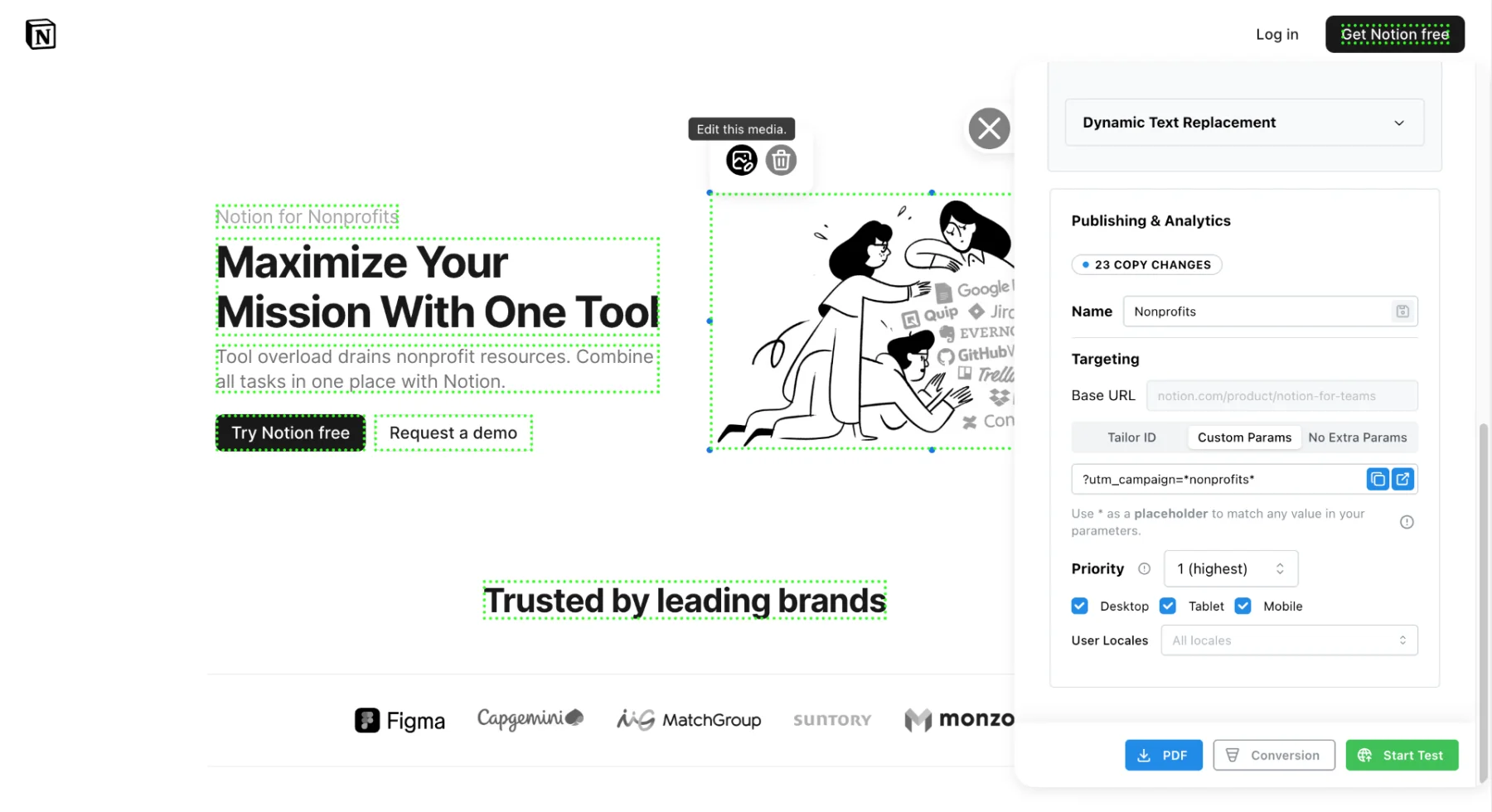
- The problem
- Tests run in a tool, winners get re-typed into the CMS by hand, and a winner served by JavaScript never reaches a crawler that does not run it.
- What this covers
- The one-click OAuth connection, editing CMS pages in place, promoting a campaign winner, and the guardrails that make the connection approvable.
Teams running Tailor






The gap
Winning copy still has to be re-created in the CMS
A landing page test wins. Then someone opens Contentful, finds the field, re-types the headline, and hopes it matches. Multiply that by every page that shares the section and every change in the variant, and the hand-off becomes its own task for the content team.
There is a second cost. A winner served by JavaScript is invisible to crawlers that do not execute it, including several AI search bots. Once the winner is published in Contentful and your frontend renders it, it no longer depends on Tailor's script.
How it fits
Test in the browser, keep the result in Contentful
Test: the script on the live page
- What it does
- Runs experiments and personalization on the rendered page, by campaign, keyword, geo, device or enriched company data.
- What it needs
- One script tag in the frontend layout. No content-model change, no deploy per test.
- Who sees it
- The visitors in the test. Search engines index the original HTML.
Keep: the Contentful connection
- What it does
- Reads your pages, lets you edit them in place from Tailor, and writes winning copy back into the entries as drafts.
- What it needs
- A one-click OAuth approval and a choice of space and environment.
- Who sees it
- Everyone, once your team publishes. Server-rendered, so crawlers see it too.
Tailor never renders pages from Contentful and never becomes the system of record.
Connect
One click, no API keys
- 1
Click Connect Contentful
From Settings or straight from CMS Pages. Any member of your Tailor account can do it; only billing and roles are admin-gated.
- 2
Approve on Contentful's consent screen
Contentful's own OAuth flow, signed in as one of your people. The connection renews itself, so there is no token to rotate every 90 days. Pasting a personal access token is still available as a fallback.
- 3
Pick the space, environment and website
One space, one environment. A sandbox environment is a legitimate way to trial it. Then choose which content types are pages, read from that environment's content model.
- 4
Add the script to the site
One line in the frontend layout, or through a tag manager. This is what runs experiments on the live page; the connection above is what writes the results back.
CMS Pages
Edit Contentful pages from Tailor
Once connected, CMS Pages in Tailor lists the pages in your space by path. Open one and edit its plain-text fields, a headline, a subhead, a label, and Tailor saves the change as a Contentful draft. Rich-text fields are shown with a note rather than edited here, because Tailor cannot round-trip a rich-text document; promoting a test winner can still change text inside them.
For marketers who find editing in Contentful slow, the page you are looking at is the page you edit, and the draft lands where your content team expects it. Tailor’s agents can draft the same way through the MCP integration, with the same draft-only limit.
See what Tailor would test on your Contentful site
Or read how the script layer works with React and Next.js frontends.
Promote a winner
From a segment win to a page your team publishes
A test is a targeting rule plus a set of changes. When the rule is a URL parameter such as utm_campaign, it can move into Contentful with the winning copy. Visitor-based rules (device, geography, company size, role) have no address in a CMS, so those winners stay served by Tailor.
- 1
A test wins for a segment
Say a headline variant won for utm_campaign=enterprise. It was measured against paid traffic, so it should not overwrite what organic visitors see on /pricing.
- 2
Tailor drafts a campaign page
A copy of the page entry and its sections, with the winning copy applied, at a new path such as /pricing-enterprise. Shared sections are copied so editing the campaign page cannot change the original. Everything lands as unpublished drafts.
- 3
Your team reviews, publishes and verifies
In Contentful, as with any draft a colleague wrote. Publish the page together with its sections and any new assets, check the new URL renders, decide whether it should be noindex or canonical to the original, then point the campaign's final URL at it. Stop the Tailor test only after that.
- 4
Optional: keep the ad URL unchanged
Your engineer installs Tailor's open-source campaign-routes package and the tailorCampaignRoute content type once, and you switch on Use website targeting middleware in CMS Pages. From then on, promotion also drafts a rule: base path, the ad parameters to match, the page to serve. Publishing the rule serves the campaign copy at /pricing with the address bar unchanged. Unpublishing it switches the campaign off.
The middleware is a small open-source package that reads published rules from Contentful and rewrites matching requests inside your renderer. It knows the name of no campaign, parameter or page, so marketers add campaigns without another code change. Contentful itself never sees the visitor, which is why the match has to happen in the renderer.
Guardrails
What makes the connection approvable
Contentful’s OAuth scope is coarse: anything that can save a draft can, as far as Contentful is concerned, also publish. So Tailor’s code enforces the boundary, and a build-time test checks it.
- Never publishes, never deletes
- The Contentful client Tailor uses exports no publish and no delete method, and a build-time seal test fails the build on any reference to one. The boundary is in the code, not in a policy.
- Drafts your team reviews
- Every write is an entry update that Contentful holds as unpublished work. The Tailor screen that made it says so before and after.
- Narrow writes that refuse to guess
- Text the test changed, link destinations, and new image assets named after the test. Formatting and embedded entries are left untouched, old assets are never deleted, and text or links that appear in more than one place are left alone and reported.
- Audited and revocable
- Each write records who, what and which entry on Settings, Activity in Tailor. Revoking the OAuth app in Contentful ends access immediately.
- Scoped by Tailor, not by the grant
- Tailor reads and writes only the space and environment you chose, and only entries that make up the page being edited. Contentful's OAuth grant itself is broader, so these limits are enforced in Tailor's code.
Prerequisites
Before you start
- A Contentful account with permission to approve an OAuth application for the space you want to connect.
- A content type with a URL-path field, so Tailor can recognize entries as pages.
- The Tailor script on the live site, in the frontend layout or through a tag manager, for running experiments.
- Optionally, an engineer to install the campaign-routes package in your renderer, if you want campaign winners served at the original URL.
Troubleshooting
Common issues
- Pages do not appear in CMS Pages
- Tailor identifies a page by a URL-path field. If your page content type keeps the path somewhere unusual, or the pages live in a different environment than the one connected, nothing matches. Check the environment and page-type selection on the connection.
- A change was reported as left alone
- The text Tailor was asked to change appears in more than one field, twice in one field, or with formatting that varies across the sentence. It declined on purpose. Edit that field directly in Contentful or narrow the change.
- Draft saved but the site did not change
- Correct. Nothing changes until someone on your team publishes the draft in Contentful. Tailor cannot publish.
- The connected website shows the wrong page copy after publishing a campaign rule
- Middleware rules are cached briefly and match on published rules only. Confirm the rule is published, wait for the cache to refresh, and check a visit with and without the campaign parameter.
- Multi-locale space
- Tailor writes the default locale only. Translated fields keep their values, but a locale with no translation for that field falls back to the default, so it will show the new copy. The promote preview names which locales a change reaches.
QA
Verify the connection does what it says
- 1
Connect, then open CMS Pages in Tailor and confirm your pages are listed with their paths.
- 2
Edit one headline from Tailor and save. In Contentful, open the entry and confirm it shows as a draft change with the rest of the field untouched.
- 3
Check Settings, Activity in Tailor for the write, naming the entry and the person.
- 4
Load the live page. It should be unchanged until your team publishes the draft.
- 5
For a campaign rule: after publishing, load the base path with and without the campaign parameter and confirm each gets the right page. Then unpublish the rule and confirm the campaign copy stops after the cache refreshes.
FAQ
Frequently asked questions
No. It cannot. Tailor saves drafts. The Contentful client it uses has no publish method and no delete method, and a build-time test fails the build if anyone adds one. Your team reviews every draft in Contentful and decides what goes live.
Click Connect Contentful in Tailor, approve on Contentful's own OAuth consent screen signed in as one of your people, then pick the space, environment and website the pages publish to. No API keys to generate or paste, though a personal access token still works as a fallback.
Entries in the one space and environment you chose, and the content model describing them. Tailor treats an entry with a URL-path field as a page and reads that page's fields plus the entries it links to, one level deep. Nothing outside that space.
In CMS Pages, plain-text fields you edit directly. When promoting a test winner, the text it changed (including text inside rich-text fields), link destinations, and winning images as new assets titled with the test name. Campaign winners also get a draft copy of the page at a new path. Everything is a draft, nothing is deleted, and Tailor refuses rather than guesses when text or a link appears in more than one place.
Yes, for testing. Experiments run on the live page through the script so you can test without a content change or a deploy. The Contentful connection is how a result becomes permanent, in the CMS, server-rendered.
Contentful, Account settings, OAuth applications, revoke. Tailor's access ends immediately. Drafts already saved stay yours to publish or discard like any other draft.
Test instantly. Keep the winner in Contentful.
See what Tailor would test on your site, then connect Contentful and let your team publish the results.